Design a First‑Success Growth Loop
A step‑by‑step guide to design a first‑success window that stitches activation to retention and growth, with a worked example and an 8‑week plan.

Who this is for and what you will have
For product managers who own onboarding, retention, or growth for consumer or SMB products. By the end, you will have a stitched activation→retention→growth loop. You will define a time‑boxed first success, model a state machine, attach interventions, design an invite mechanic, and set metrics with an 8‑week plan to test it.
- Activation is not sign‑up. It is first success inside a short time‑to‑value window.
- Instrument that window as a state machine: attempts, partial, full, decay.
- Convert partial success into commitment with small, low‑friction asks.
- Gate invites on progress to speed activation and seed growth.
- Treat retention as earned. Every invite should carry value for both sides.

Retention is earned. If the first invite does not carry value in context, it does not compound into habit or growth.

Step 1 — Define and time‑box first success
First success is the smallest real outcome that proves the product works. It must happen fast. Not a click. Not an install. A result.
Pick a short time‑to‑value window. Hours to a few days for consumer. Days to a week for SMB. Long windows dilute intent and make follow‑ups weak.
Write it as a testable statement: “A new user achieves [outcome] within [TTV window].” Keep it observable in product data.
Step 2 — Model the window as a state machine
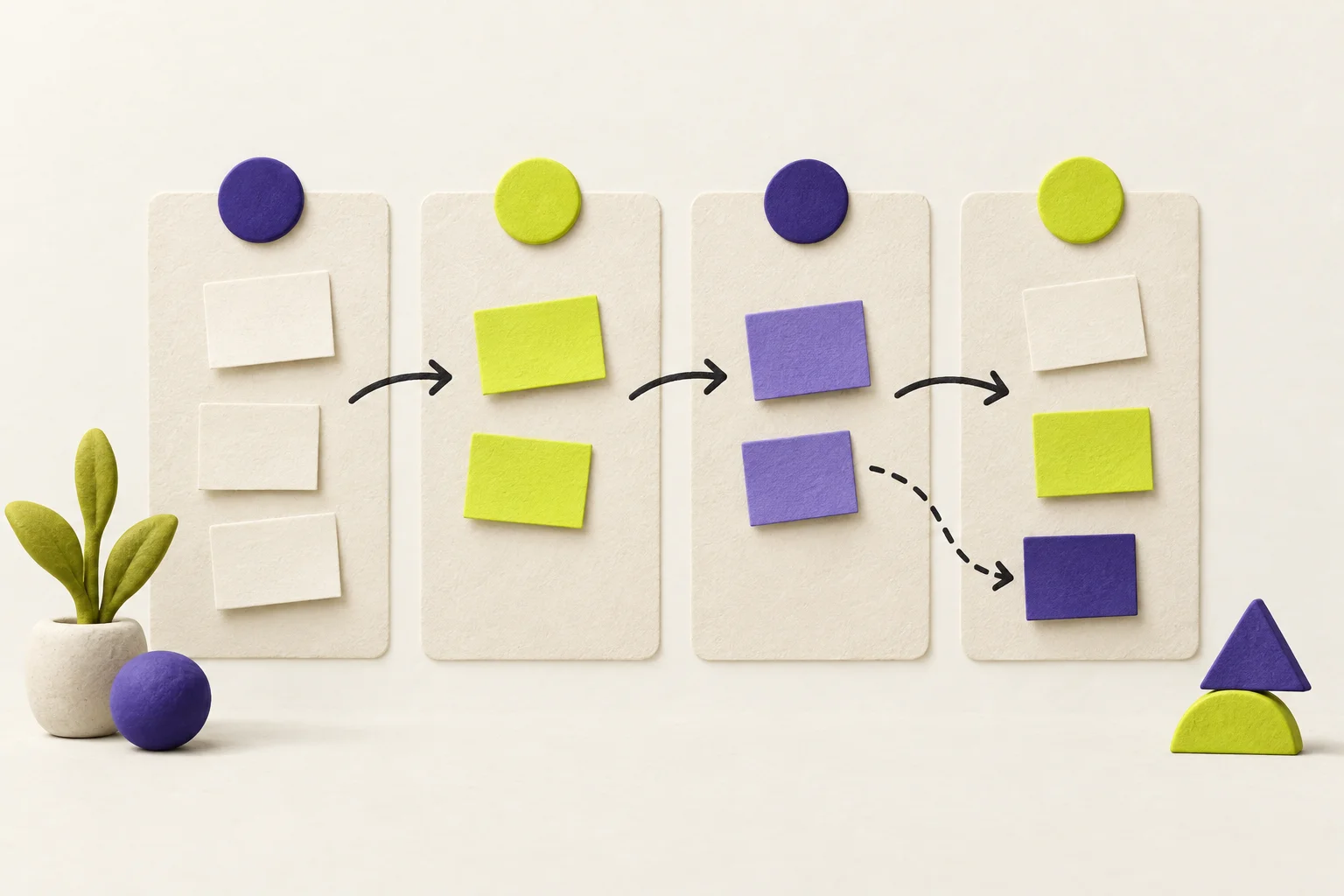
Model user progress inside the window with clear states and transitions. Use at least these four:
- Attempted: User started the core action inside the window.
- Partial success: User reached a meaningful midpoint.
- Full success: The outcome landed. The value was realized.
- Decay / at risk: Time is running out or the user stalled after progress.
Define transitions by events and time. Example: Attempted → Partial on creating an object; Partial → Full on a counterpart action; Any → Decay after N idle hours.
Store the current state, state entry time, and last event. This lets you target interventions without blasting everyone with the same message.
Step 3 — Attach interventions to each state
Attempted → Partial
Use an in‑app coach and one focused email. Remove blockers. Show the next step only. Offer a template or one‑click default.
Partial → Full
Offer a low‑friction micro‑ask that raises commitment. Nudge with a push or banner. Confirm progress and give a clear finish line.
Any → Decay
Send a short, specific rescue message with context. Remind of what is already done. Offer one tap to resume where they left off.
Step 4 — Convert partial success into commitment
Partial success is momentum. Use it. Ask for one small act that adds skin in the game:
- One small task that completes the flow.
- One calendar event or reminder tied to the outcome.
- One invite to the person who makes the outcome real.
- Optionally, a small paid trial that starts only after first success.
Keep friction low. One screen. Defaults ready. Clear why now, clear what next.
Step 5 — Gate invites on progress and make them two‑sided
Do not ask for invites before value. Gate the invite on reaching partial or full success. The invite should help the inviter finish the job and give the invitee a reason to act now.
Design the invite payload so it carries context: what was started, what is needed, and the simple action to complete it. Use a time context from the window to keep urgency honest.
Make the value two‑sided. The inviter gets progress or a feature unlock tied to completion. The invitee gets an easy win and a clear next step.
Step 6 — Measure retention by success state and window
Track cohorts by when they entered the window and the highest state they reached inside it. Read retention and growth through that lens.
| Common pitfall | What to measure instead |
|---|---|
| Counting installs or sign‑ups as activation | First‑success rate inside the TTV window |
| Clicks on invites as growth | Invite sends, accept rate, and completion of first success by invitees |
| Vanity DAU/MAU | Day 1/7/28 retention segmented by success state reached in window |
| Aggregate TTV average | TTV distribution and share within target window |
Optional: Use a Hypothesis card to record the bet, assumptions, and expected movement per state.
Step 7 — Run an 8‑week experiment plan
- Weeks 1–2: Instrument and define. Implement state tracking. Define first success and TTV window. Set up event logging for attempts, partial, full, decay, invites, and completions.
- Weeks 3–4: Ship MVP interventions. In‑app coach for Attempted → Partial. One focused email. A rescue message for Decay. Start with defaults and templates.
- Weeks 5–6: Add gated invites. Unlock the invite when a user reaches Partial. The invite carries context and a clear next step. A/B: invite at Partial vs at Full.
- Week 7: Read cohorts by state. Check first‑success rate, TTV distribution, Partial → Full conversion, and invitee first‑success rate.
- Week 8: Tighten the loop. Remove friction where users stall. Tune micro‑asks. Adjust the gate if invites either come too early or too late.
Checklist before you ship
Worked example — Collaborative task app (SMB)
You build a collaborative task app for small teams. You want early activation to form a habit and seed growth. Here is a solved walk‑through.
Define first success and TTV
First success: A user creates a task, assigns it to a teammate, and that teammate marks it done. Real work moved.
TTV window: 72 hours from sign‑up. This allows a workday cycle and a reminder day.
State machine
- Attempted: User creates first task.
- Partial success: Task is assigned to a teammate.
- Full success: The teammate marks the task done within 72 hours.
- Decay / at risk: 24 hours idle after creation or assignment without the next step.
Interventions
- Attempted → Partial: In‑app coach prompts “Assign this to a teammate.” Provide a one‑click teammate picker seeded from email domain. Send one email with a template task sample.
- Partial → Full: Invite mechanic appears: “Send to [Name] to finish.” The invite includes the task link and a short note. In‑app banner shows progress and a single button to notify the assignee.
- Any → Decay: After 24 hours idle, send a rescue email that restores the screen with the task open and the assignee pre‑selected.
- Commitment micro‑ask: Offer “Schedule a 10‑minute stand‑up” with one‑tap calendar add. Or start a small paid trial only after first success to signal value.
Invite gating and payload
Gate: Unlock the invite when the user assigns the task (Partial). If the user reaches Full on their own (e.g., self‑assigned), show “Invite a teammate to your next task” with a template ready.
Payload: The invite says who assigned what, why it matters, and the one tap to complete. The inviter sees progress and gets a template pack unlocked when the task is completed by the invitee inside 72 hours. The invitee gets a simple mobile‑friendly view with one big “Mark done” action and a prompt to create their first task after completion.
Instrumentation
- Events: task_created, task_assigned, task_completed, state_entered_{attempted|partial|full|decay}, invite_sent, invite_accepted, invitee_first_success.
- Properties: user_id, account_id, timestamp, state_enter_time, is_inside_ttv, source (in‑app/email), and task_id.
- Derived: TTV in hours, highest_state_reached_in_ttv, invite_to_completion_time.
Metrics to read
- First‑success rate inside 72 hours.
- Attempted → Partial and Partial → Full conversion.
- Invite accept and invitee first‑success rate within 72 hours.
- Day 7 and Day 28 retention by highest state reached in the first window.
8‑week plan
- Weeks 1–2: Add state tracking and dashboards. Write a Hypothesis card for the bet: “Gating invites at Partial lifts Partial → Full by X% and improves D7 retention for Full by Ypp.”
- Weeks 3–4: Ship the in‑app coach and one assignment email. Add the 24‑hour rescue message with deep link back to the open task.
- Weeks 5–6: Roll out the gated invite. A/B: invite at Partial vs at Full. Keep the payload the same. Track invitee completions inside 72 hours.
- Week 7: Read cohorts by the week they signed up. Compare state progressions and retention. Check decay volume and where it happens.
- Week 8: Tighten copy, defaults, and the teammate picker. If invites are too early, shift the gate to Full for complex teams; if too late, move to Partial and add more context.
Mistakes to avoid
- Measuring sign‑ups or installs as activation. Use first success inside the window.
- Overloading users with invites before value. Gate on progress.
- Starting viral asks too late. Use invites to help finish first success, not weeks later.
- Relying on vanity metrics. Read cohorts by success state and TTV.