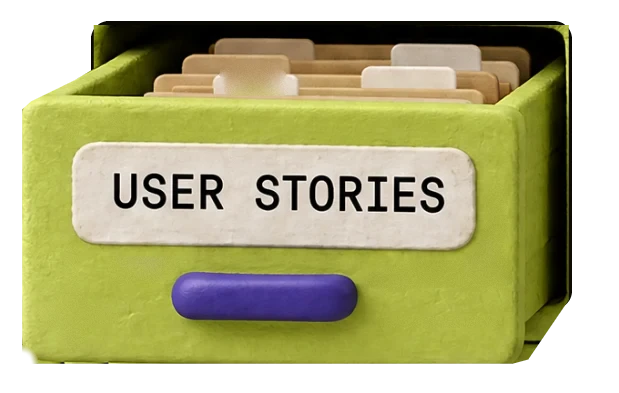
As a clinic manager, I want to save my calendar filters, so I don’t set them again every morning.
ACCEPTANCE CRITERIA
Saved filters load when I open the calendar.
I can save up to five named filters.
I can delete a saved filter.
MONDAY 08:12 · EVERYTHING THAT CAME IN SINCE FRIDAY
SCROLL · PIKO SORTS THE PILE
CHAPTER 02 · A PM’S WEEK
NO ACCOUNT · NOTHING SAVED
Runs on Claude by Anthropic. Your text is not saved.
As a clinic manager, I want to save my calendar filters, so I don’t set them again every morning.
ACCEPTANCE CRITERIA
Saved filters load when I open the calendar.
I can save up to five named filters.
I can delete a saved filter.
CHAPTER 06 · YOUR CAREER
Alex Morgan
Senior Product Manager · Checkout and growth
Cut checkout from five steps to three [what changed in completion rate or drop-off?]
How close have you been to payment success rate, and what have you done to improve it?
A gap they will ask about
From PM to Senior PM: strategy, saying no, and leadership
CHAPTER 03 · START HERE
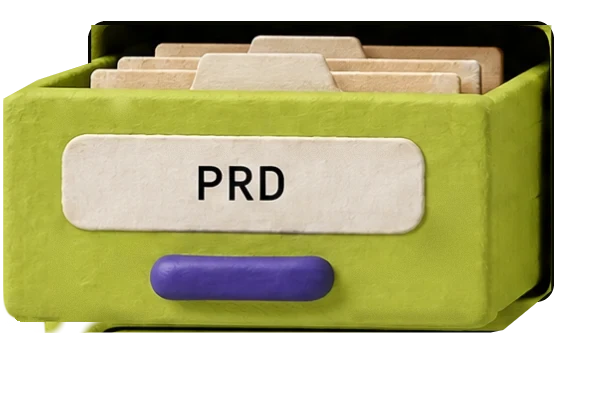
PRD
Guest checkout
Decision needed: Whether guests can later turn their order into an account.
Checkout forces new customers to create an account before they can pay.
Most first-time buyers leave at the account-creation step.
PR-1 · First-time customers can complete checkout and pay without creating an account, on web and mobile web.
PR-2 · Guests receive their order confirmation by email.
PR-3 · Customers can still sign up and check out with an account as before.
Order tracking for guests
Saved cards
Guest payment support from the payments team is not in place, so guests cannot pay.
CHAPTER 08 · MCP CONNECTOR
In a chat or in your terminal. No new tab.
Your products and saved documents, read from PikoPM.
Finished work lands in My files.
What products do I have in PikoPM?
PikoPM · List products
Read my latest PRD in PikoPM and tell me what is missing.
PikoPM · Read a document
In a chat or in your terminal. No new tab.
What products do I have in PikoPM?
PikoPM · List products
Your products and saved documents, read from PikoPM.
Read my latest PRD in PikoPM and tell me what is missing.
PikoPM · Read a document
Finished work lands in My files.
pikopm.com/api/mcp · Claude, Claude Code, ChatGPT, Codex
It cannot delete anything or see anybody else’s work.
CHAPTER 04 · HOW IT WORKS
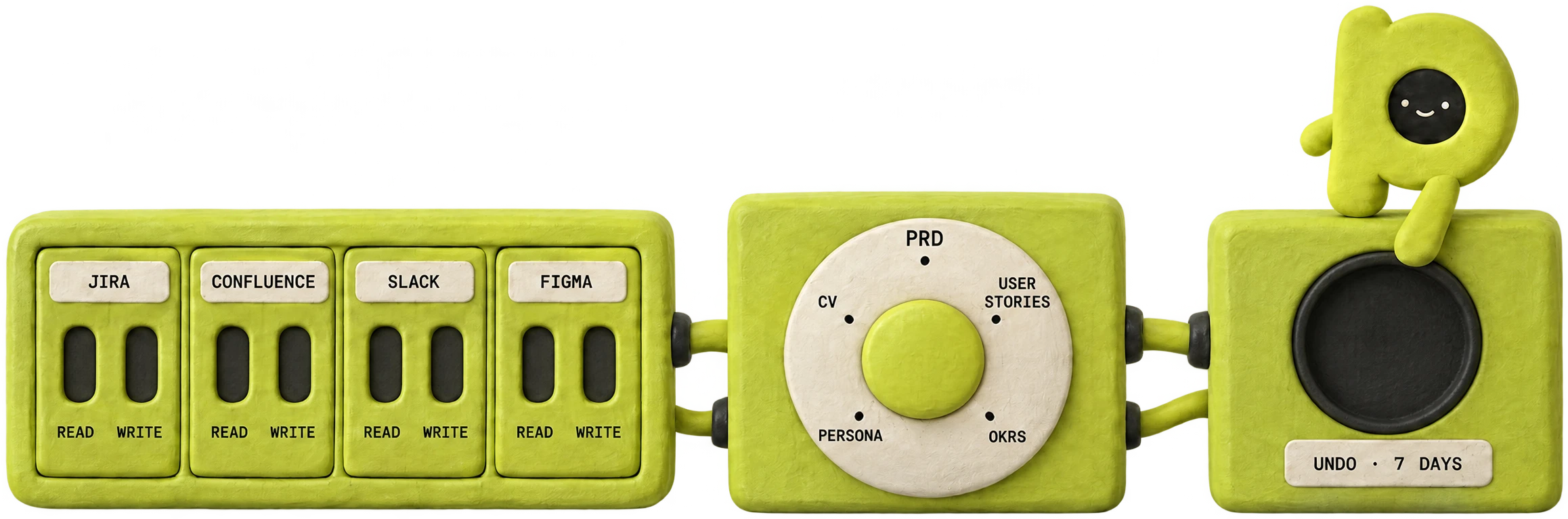
Jira, Confluence, Slack, Figma. Read and write are separate switches.
Now Piko can read Jira, Confluence and Figma, and write to Slack.
PRD, user stories, OKRs. It asks what it needs, then writes.
PRD · It had enough to write straight away, and named what was still open.
Nothing changes in Jira until you say yes. Undo for 7 days.
Waiting for you: add 3 user stories to Jira.
Jira, Confluence, Slack, Figma. Read and write are separate switches.
Now Piko can read Jira, Confluence and Figma, and write to Slack.
PRD, user stories, OKRs. It asks what it needs, then writes.
PRD · It had enough to write straight away, and named what was still open.
Nothing changes in Jira until you say yes. Undo for 7 days.
Waiting for you: add 3 user stories to Jira.
CHAPTER 09 · FROM THE FOUNDER
I’ve spent years hiring and growing product managers. At EPAM I built the product practice in Armenia from nothing, and I’ve interviewed more than a hundred PMs.
The good ones had one thing in common. They could tell you where every number came from, and they said plainly what they didn’t know yet.
Then AI arrived, and I watched good PMs paste a prompt into a chat box and send whatever came back. It reads well. Then someone asks “where’s that figure from?” and there’s no answer.
PikoPM is the tool I wanted for them. It asks before it writes. It works the scores out in code. When something is missing, it leaves a gap and tells you, instead of making it up.
It’s built for one person: the PM using it. Try it on your own work. If it isn’t better than what you have now, write to me. I read every message.
Hovik Tamazyan, founder
CHAPTER 10 · PRICING
7-day free trial on Pro, card required. Max is paid from the first day. Cancel any time and keep access until the end of what you paid for. Refunds within 14 days if you haven’t used it. Prices in US dollars; tax is added at checkout where it applies.
CHAPTER 11 · QUESTIONS
No. PikoPM is for individuals: it’s built for one person, the product manager using it.
The unit a run costs. A typical document takes 30 to 80 Sparks, depending on how long it is and which model writes it, and a deep run shows its cost before it starts. Free’s 300 is enough for a handful of documents; Pro’s 10,000 covers a busy month.
No. Your documents, your connections and your profile are private to you.
You choose. Each tool recommends a model, and you can pick another from Anthropic, OpenAI, Google, DeepSeek or xAI.
No. Most tools work from what you type, paste or upload. Connect Jira when you want live data; nothing changes there without your approval.
Pro starts with 7 days free and 1,500 Sparks. A card is required. Cancel before the 7 days are up and you pay nothing; otherwise Pro begins and the first payment is taken. Max has no trial: it is paid from the first day, with its 25,000 Sparks straight away.
Yes. You keep everything until the end of the period you paid for, then move to Free. What you made stays yours to open and export.
Within 14 days of a payment, if you haven’t used PikoPM since that payment. A Sparks pack can be refunded if none of its Sparks have been spent. The refund policy has the details.