Teardown: Google Calendar’s Propose a New Time
How Google Calendar turns a 'no' into structured options. Steps, UI notes, and a worked example PMs can copy.

- Shift from accept/decline to three-way: accept, decline with proposal, decline without proposal.
- Keep tempo and context as metadata: times and availability, not email threads.
- Make the middle option visible but not the default.
- Copy: lightweight proposal UI, auto conflict checks, neutral template message.
- Change: capture intent (why declined) and constraints (hard vs negotiable) for easier triage.

The problem this solves
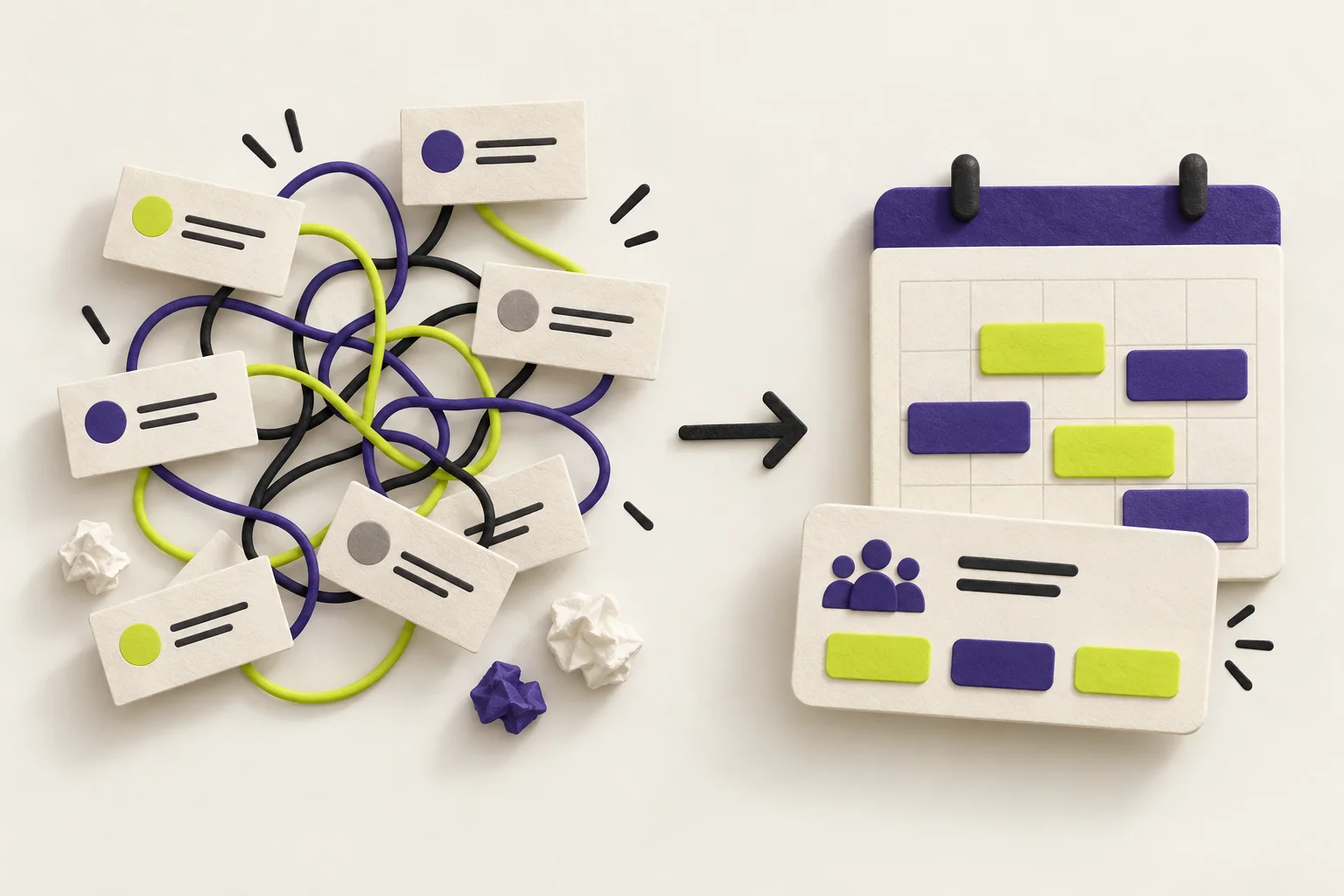
Most declines create more work. You reply. They reply. Someone edits the invite. Time passes and the slot goes stale. The social cost stays high because tone travels badly in email. The organizer also loses context about when you could meet.
Google Calendar’s feature lowers the social cost and the operational cost. It lets you decline without drama, suggest a concrete window, and keep all the metadata in one place. The organizer sees options tied to real availability, not vague text.
How the choice is designed
Three things stand out:
- A three-way outcome. Accept. Decline with proposal. Decline without proposal. This preserves agency for both sides.
- Negotiation happens in the product. Suggested times are actual slots with conflict checks, not guesses in an email.
- Balanced discoverability. The option is easy to find, but a few clicks ensure you send quality proposals, not noise.
Steps to apply this pattern
The real job is to say no without damage. Define success as fast resolution, saved face, and a plan B in one move.
Make three explicit paths: accept, decline + propose, decline. Avoid burying the middle path in menus.
Represent intent as time windows and availability checks. Store it on the event, not in an email body.
One focused panel to pick alternatives. No multi-step wizard. Enough taps to prevent spammy proposals.
Auto-suggest from free/busy and flag organizer conflicts. Never let a proposal create a new collision.
Send a template that states options, not emotion. Keep tone neutral to lower social cost.
Let invitees mark flexibility (hard vs negotiable). Organizers triage faster and avoid pestering.
Show proposals in the scheduling view. Treat them as first-class data, not a hidden message.
Comparison: email vs productized proposal vs auto-scheduler
| Dimension | Email thread | Propose a new time | Send-a-link scheduler |
|---|---|---|---|
| Tempo | Slow, serial replies | Fast, single action | Fast for host, may feel one-sided |
| Data quality | Unstructured prose | Structured slots, conflicts checked | Structured, often host-centric |
| Social tone | High risk of misread | Neutral message template | Transactional tone |
| Organizer control | Must parse and edit invite | Sees options inline, one-click accept | Full control, but may reduce collaboration |
| Invitee control | Suggest anything, messy | Suggest realistic times from free/busy | Lower; picks from host’s link |
| Failure modes | Lost context, tone issues | Noise if too many proposals | Perceived power imbalance |
What I’d copy
- Lightweight proposal UI that opens from the invite.
- Automated conflict checks against all attendees where possible.
- Neutral, short template that conveys options without pressure.
What I’d change
- Require intent capture: why declined (e.g., double-booked, wrong audience, deadline).
- Add constraints: mark windows as hard or negotiable to guide follow-up.
- Surface proposal data as cards in the host’s scheduling UI.
Worked example: decline + propose window
Build a compact panel that appears when the invitee chooses decline. It asks one question and offers three smart options with one-click send.
- Question: “Is this flexible?” with Yes / No toggle.
- Three auto-suggestions from invitee free/busy within the next reasonable window.
- Each suggestion shows start–end time, day, and a small conflict badge if any attendee collides.
- Primary action: Send proposal (one click). Secondary: Decline without proposal.
- Invitee clicks Decline.
- Panel opens. They answer “Is this flexible?”
- System shows three suggested time windows from free/busy.
- Invitee selects one or more and presses Send proposal.
- Organizer receives structured options on the event and a neutral note.
Subject is unchanged. Body is short and factual:
- “Can’t make the proposed time. Here are alternatives:”
- List the three slots in local time, labeled Option A/B/C.
- “If none work, I can decline without a proposal.”
Keep proposals to three. More turns negotiation into noise. If the user toggles “No” on flexibility, record that constraint for the organizer but still allow one proposal if they insist.
Mistakes to avoid
- Auto-proposing many slots. Cap at three high-quality options.
- Hiding the middle option in deep menus. Put it near Accept and Decline.
- Treating proposal data as ephemeral. Surface it on the event and scheduling views.
- Letting conflicts slip through. Always check attendee availability before sending.
- Over-collecting text. Prefer structured time metadata to long messages.
Checklist to ship
- Three-way outcome visible on every invite.
- Proposal panel with flexibility toggle and three auto-suggestions.
- Conflict checks for invitee and, where possible, organizer.
- Neutral template message with structured options.
- Proposal cards surface to the organizer’s scheduling UI.
- Analytics on usage and resolution time to tune friction.