Should You Add Snooze? A PM Teardown and Guide
A practical teardown of email‑style snooze: when to add it, how to design it, metrics to watch, and a worked triage pill example.

For busy PMs who ship triage in inboxes, task tools, and CRMs. This teardown shows when to add snooze, how to design it, and how to measure if it helps. By the end you can decide with confidence, set sane defaults, and ship a small triage pill pattern with the right instrumentation.
- Match user intent: defer vs forget vs follow-up.
- Make the cost of deferral visible and bounded.
- Bring items back with context and low friction.
- Track reinstatement, time-to-resolution, and noise-to-action.
- Start with relative, scheduled, or smart snooze. Test defaults.
Clarify the decision boundary
Most triage taps mean one of three things. Defer it. Forget it. Or make sure I follow up. Your UI should make those choices explicit and distinct.
| Intent | Best affordance | Risks if misused |
|---|---|---|
| Defer until a better time | Snooze (relative or scheduled) | Backlog grows; items return at bad times |
| Forget unless it resurfaces | Archive or mark done | Users re-open and create extra churn |
| Track to a deadline or event | Reminder/follow-up tied to time or calendar | Too many alerts; noisy follow-ups |
| File for reference | Labels/lists | Work hides in lists; no return trigger |
| Signal importance | Priority flag | Everything becomes high priority |
If users only need a later nudge, snooze fits. If they must meet a date, use a reminder. If the item is complete or irrelevant, archive. Do not blur these.
Surface the cost of deferral
- Cognitive load: Every snoozed item is a future decision. Set caps or show counts so users feel the weight.
- Queue growth: A growing snooze queue can hide real urgency. Expose total snoozed and next return times.
- Timing accuracy: People guess poorly. Offer safe presets and easy change. Avoid single-minute precision by default.
- Notification churn: Returns at the wrong time become noise. Batch where sensible. Respect do-not-disturb.
Show what will happen before they confirm. Example: “Returns tomorrow, 9am.” Small copy prevents big queues.
Prime the reclaim path
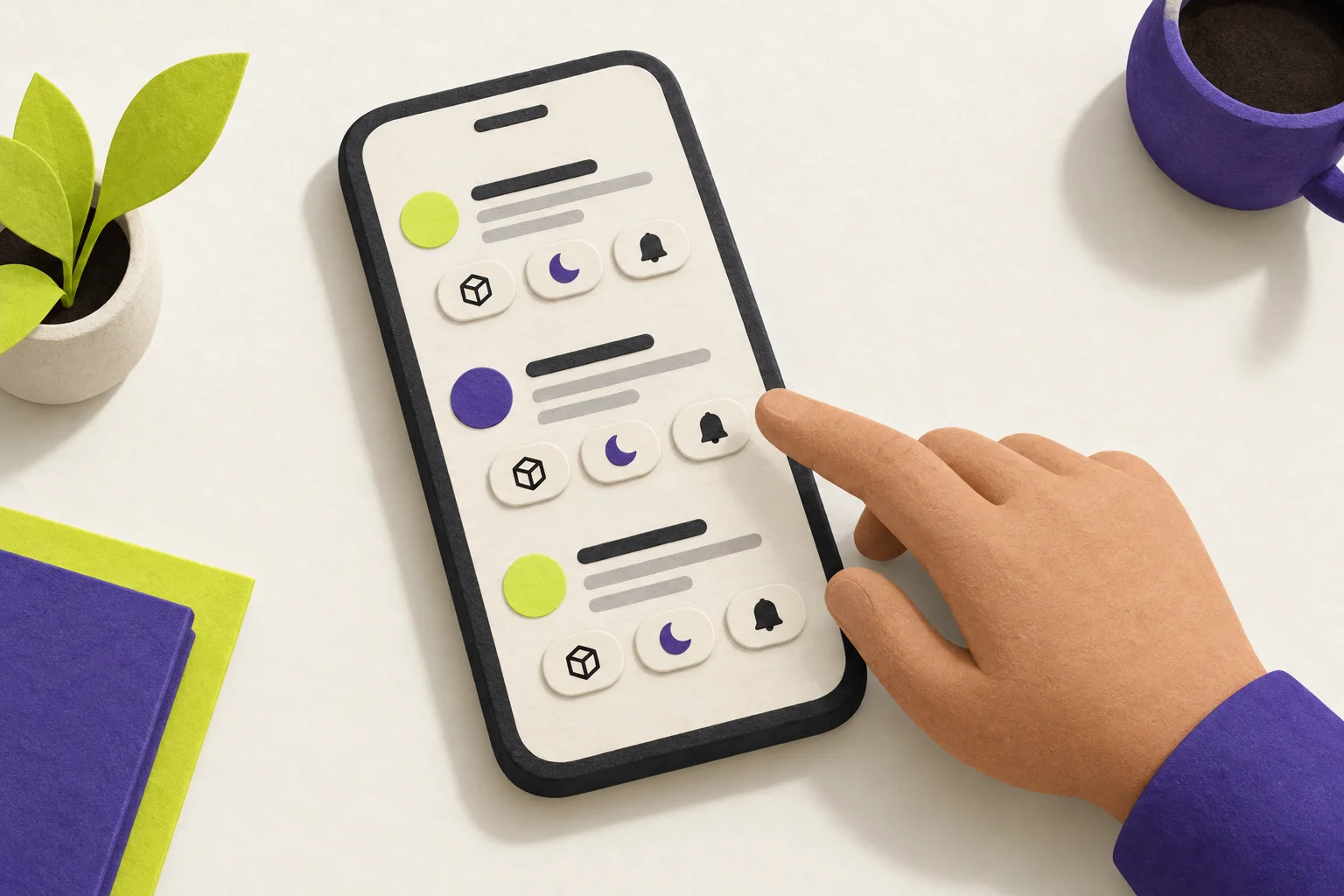
The return moment makes or breaks snooze. Treat it as a designed flow, not a system event.
- Context: Restore what they need to act. Keep the original thread, last note, and prior decisions in view.
- Slotting: Decide where it returns. Top of queue, a “Today” section, or a light badge. Avoid jumps that break focus.
- Friction: Offer one-tap next action. Do, resnooze once, or archive. Do not force navigation away.
- Timing guardrails: Respect work hours and calendar. Defer to the next safe window when needed.
- Cross-device: Return where the user is. Sync states and time zones. One device, one alert.
Metrics that matter
- Reinstatement rate: Share of snoozed items that come back to an active surface. Low means lost work. Very high with no action means noise.
- Time-to-resolution after unsnooze: From return to done or archived. Short times suggest good timing. Long times mean poor presets or context.
- Noise-to-action ratio: Alerts shown vs actions taken. Aim for fewer alerts that drive action.
- Repeat-snooze rate: Items snoozed again after return. High repeats mean avoidance or bad timing.
Segment by device and by preset. Watch failure paths: snooze fired while app closed, alert dismissed, no surface return.
Implementation patterns
- Relative snooze (2h, tomorrow, next week):
- Pros: Fast, few taps, fits triage.
- Cons: Vague alignment with real schedules.
- Schedule-based (end of day, start of day, next workday):
- Pros: Predictable return windows. Easier batching.
- Cons: Can miss exceptions. Needs work-hour settings.
- Smart snooze (calendar- or context-aware):
- Pros: Lands when the user is likely free.
- Cons: Harder to explain. Needs clear previews and consent.
Choose one as the default and offer the others one tap away. Align presets with your team’s model of urgency and value. Your Prioritisation model should guide these choices.
- One-tap split of defer vs archive vs follow-up.
- Clear preview: when and where it returns.
- Presets fit work hours; respect do-not-disturb.
- Batch safe; no 9am spikes across hundreds of items.
- Return with context and a quick next action.
- Solid cross-device sync and timezone handling.
- Metrics wired: reinstatement, resolution time, noise/action.
- Controls for cleanup: view and edit snoozed queue.
Worked example: a 3-action triage pill
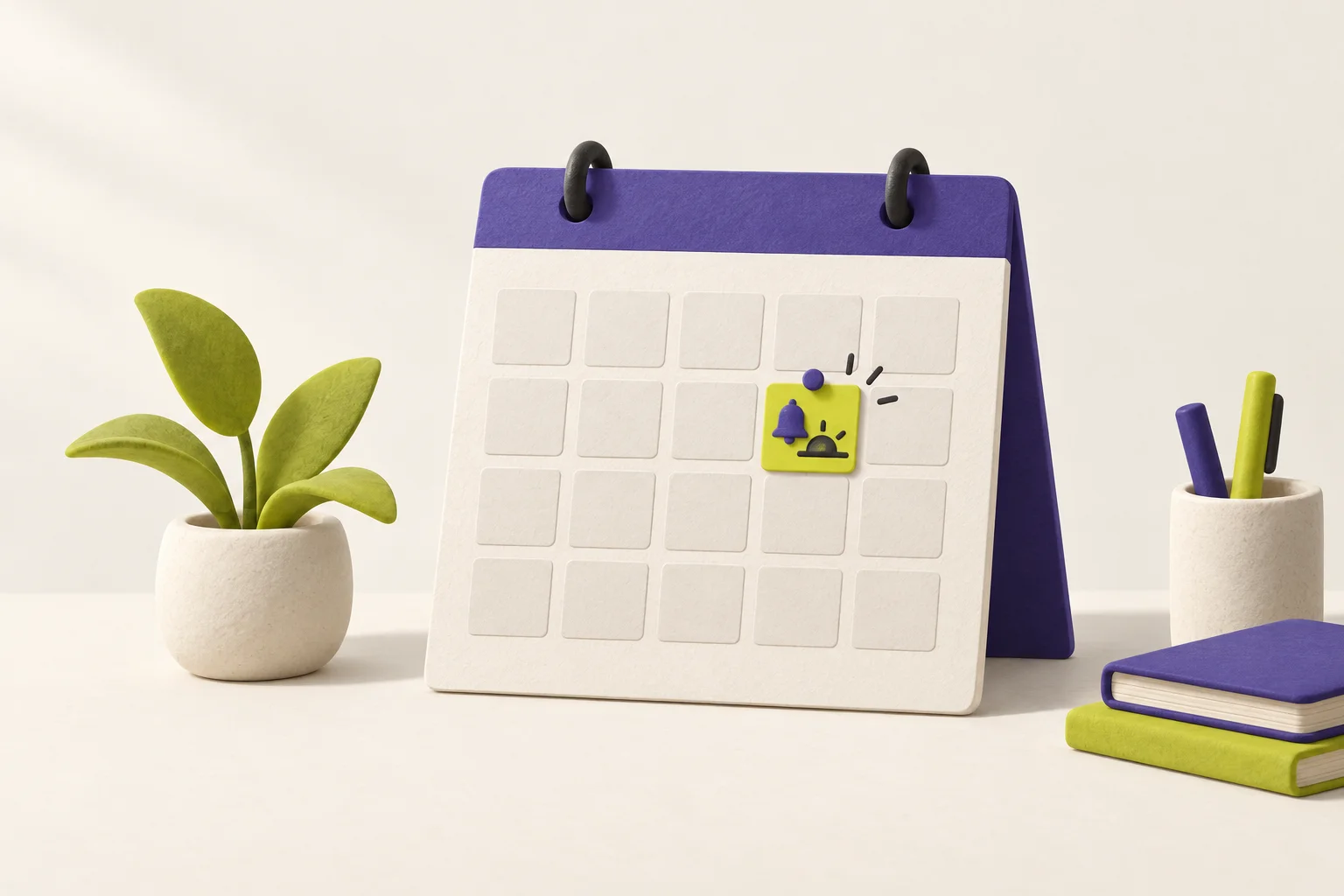
Goal: add a compact triage pill to each item in a list. Three actions: Archive, Quick Snooze (3 presets), Remind Me (calendar-aware). Instrument to compare reinstatement and time-to-resolution.
- Placement: Inline under each list item on hover or swipe. Always available in item detail.
- Archive: One tap. Instant feedback. Undo for 5–10 seconds.
- Quick Snooze: Three presets shown as a small menu. Example set to start with: later today, tomorrow morning, next week. Show preview text before confirm.
- Remind Me: Opens a simple picker that snaps to working hours and skips calendar blocks. Preview: “Reminds Tue, 2pm.”
- Return: Items reinsert at the top of Today. Badge on the list header shows count. No more than one alert per item.
- Safety: Cap total active snoozes per user with a soft nudge. Offer a cleanup view to edit or cancel.
- triage_shown — item_id, surface, device.
- triage_action — item_id, action ∈ {archive, snooze, remind}, preset_id or datetime, surface.
- snooze_set — item_id, return_at, type ∈ {relative, scheduled, smart}.
- snooze_fired — item_id, fired_at, device_target.
- item_reinstated — item_id, surface_shown, time_to_surface.
- resolution_done — item_id, outcome ∈ {done, archived, forwarded}, time_from_reinstatement.
- alert_dismissed — item_id, without_action ∈ {true,false}.
Compare cohorts: quick snooze vs remind. Look at reinstatement rate, time-to-resolution after unsnooze, and noise-to-action. Flag items snoozed more than once.
- Later today — snaps to the next free block within work hours.
- Tomorrow morning — first hour of the next workday.
- Next week — first workday next week, same hour.
Explain each preset in the preview to build trust. Adjust by data, not taste.
Mistakes to avoid
- Productivity crutch: Unlimited snooze turns into a permanent backlog. Add soft limits and a cleanup view.
- Poor defaults: Top-of-hour or 9am for all creates spikes. Stagger and respect calendars.
- Context-free returns: Bringing items back without thread, notes, or last action wastes the click.
- Cross-device drift: Duplicated alerts or missed returns break trust. Treat sync as part of the feature.
Rule of thumb: add snooze when users often mean “not now, but soon” and your reminder or list tools do not fit that moment. Keep the decision boundary crisp, keep the return kind, and keep the metrics honest.