When Architecture Is Your Position: The Figma Story
A story of how a browser‑based, realtime architecture became the positioning—and the plan—when feature parity was a dead end.

There was a moment when design teams were locked to a desk, a machine, and a file. Figma chose a different path. The bet was not a feature. It was an architecture.
What happened, in order
Sketch had the mindshare with a strong plugin scene. Adobe owned the creative stack. Both lived on the desktop. Files passed by hand. One person edited at a time. Merges were manual. Handoffs were exports.
Figma entered with a browser‑based editor. The canvas loaded from a link. Cursors moved in real time. Comments sat on the work. No install. Any OS. It looked risky. Desktop tools felt faster and richer. Teams asked about feature gaps. Figma kept the core simple, then kept shipping. But the center of gravity had shifted. The product’s architecture made a different job possible: design as a team sport, live.
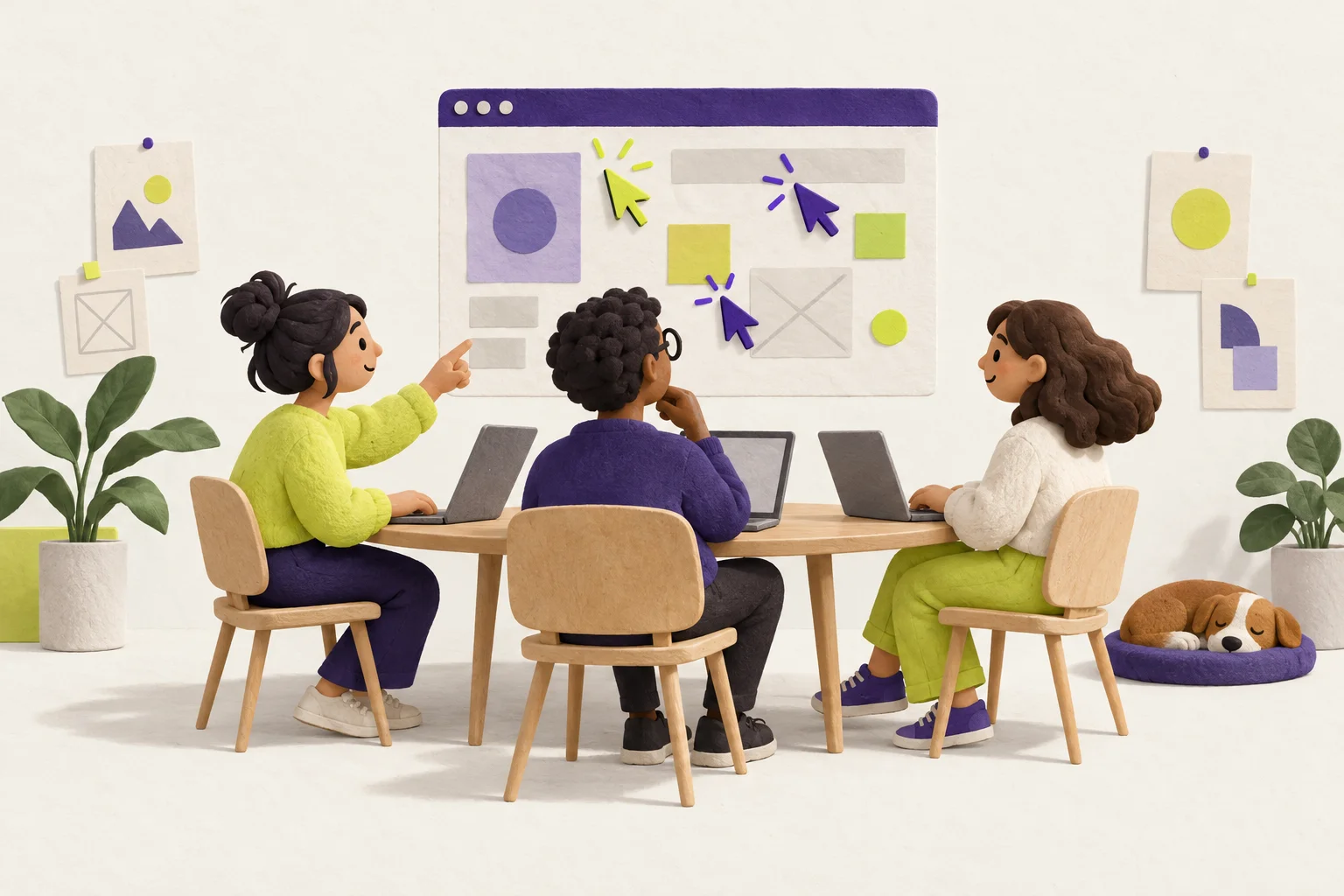
Once that was true, new habits formed. Critique sessions moved into the file. PMs, engineers, and designers met on the canvas. Sharing a link replaced sending a file. Version history lived in the cloud. The claim “collaboration first” was not a tagline. It was visible in every session.
- Position = who you are for + what you lead on.
- Architecture can make that claim real and hard to copy.
- Measure the architectural advantage early and often.
- Go to market on the new job, not feature parity.
Architecture as the differentiator
Desktop architecture favored single‑user speed and deep plugins. Browser + realtime favored shared presence, zero‑install access, and links over files. That choice made the positioning credible. When anyone could open a link and edit together, “multiplayer design” stopped being a promise and became the default.
| Incumbent center | Architecture | Default behavior it creates |
|---|---|---|
| Desktop, single editor | Local app + files | One person edits; others wait; share by export |
| Browser, many editors | Cloud doc + realtime | Many edit together; share by link; comments in place |
Position is the promise you can keep on every screen because of how the product is built.
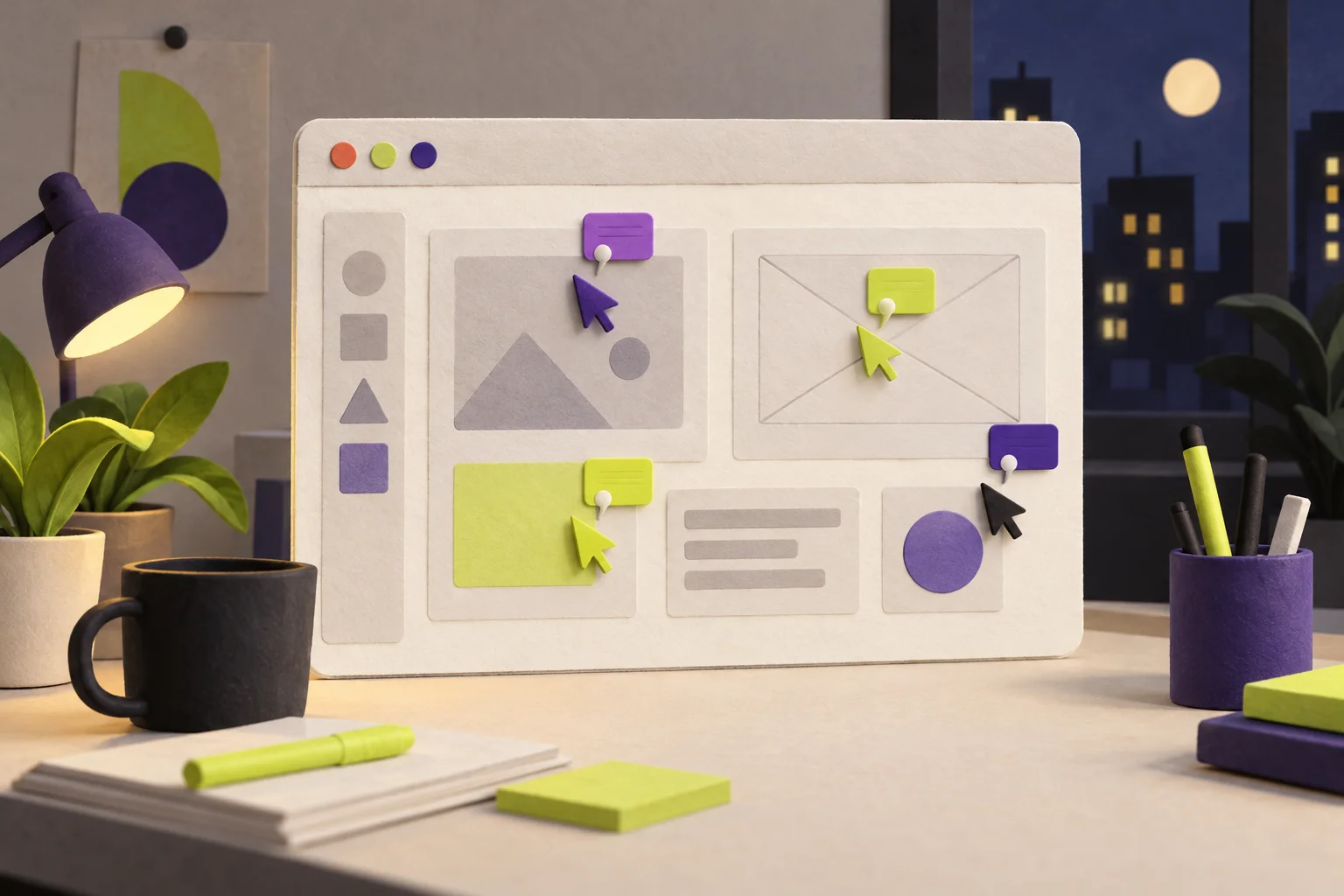
A one‑page positioning hypothesis
Who it is for: Product design teams and their partners (PM, Eng, Research) who need to work in the same file at the same time.
What we lead on: Live collaboration from the first minute; zero‑install access for anyone with the link.
Incumbent weakness: Desktop apps with single‑user workflows and plugin lock‑in make collaboration a chain of files and exports.
Architectural choice: Browser editor + cloud documents + realtime presence and comments.
Measurable signals:
- Simultaneous editors per file (median and 95th percentile).
- Share‑link activations per file per week.
- Time‑to‑first‑collab: minutes from sign‑up to first session with 2+ cursors.
A 6‑week experiment plan
Instrument: Log cursors, link opens, and comments. Add an onboarding nudge to “Invite a teammate now.”
Activation: Run 10 guided critique sessions in‑product. Measure time‑to‑first‑collab live.
Acquisition message: Landing page and ads show “design together, now,” not feature lists. Use a 30‑sec demo of two people editing.
Team pilots: 5 teams switch one weekly critique to the browser. Track editors per file and share‑link activations.
Onboarding experiment: Gate the first win on inviting 1 teammate. Compare cohorts on retention and collaboration events.
Review and decide: If collaboration signals beat desktop baselines, double down. If not, fix the moments before the first live edit.
Watch outs
- Do not chase feature‑for‑feature parity. It drains focus.
- Do not treat architecture as invisible. Measure its impact.
- Beware plugin and ecosystem lock‑in. Offer clean bridges.
- Translate technical claims into jobs customers care about.
Jobs to highlight
- Run critique in one file, live.
- Share a link with PM and Eng, no installs.
- Comment where the work is, not in chat threads.
What I took from it
Lead on one thing that your architecture makes obvious every day. Tie it to a job customers already feel. Pick three signals that prove it early. Ship your go‑to‑market to create those signals. If you need a way to frame the jobs and pains before you decide, map them on a simple Value proposition canvas and ask which architecture makes your promise true by default.