Teardown: Do Not Disturb in Team Chat
A teardown of DND/Focus in team chat: what it solves, the trade‑offs, and patterns to copy or avoid when you design focus‑preserving flows.

For busy PMs and PMs who design collaboration features. Constant pings drain focus. Simple mute switches often over-block or under-protect. This teardown shows what DND/Focus solves, the trade-offs, and which patterns to copy or avoid. At the end you will have a clear set of design steps and a three-tier DND spec you can ship.
- Treat DND as an attention-control surface, not just a toggle.
- Design for time, people, and content granularity.
- Defaults do most of the work; keep setup light.
- Social signals (status, auto-reply) reduce friction with the team.
- Overrides are a safety valve but increase interruption risk.
- Make end times, bypass rules, and visibility predictable.

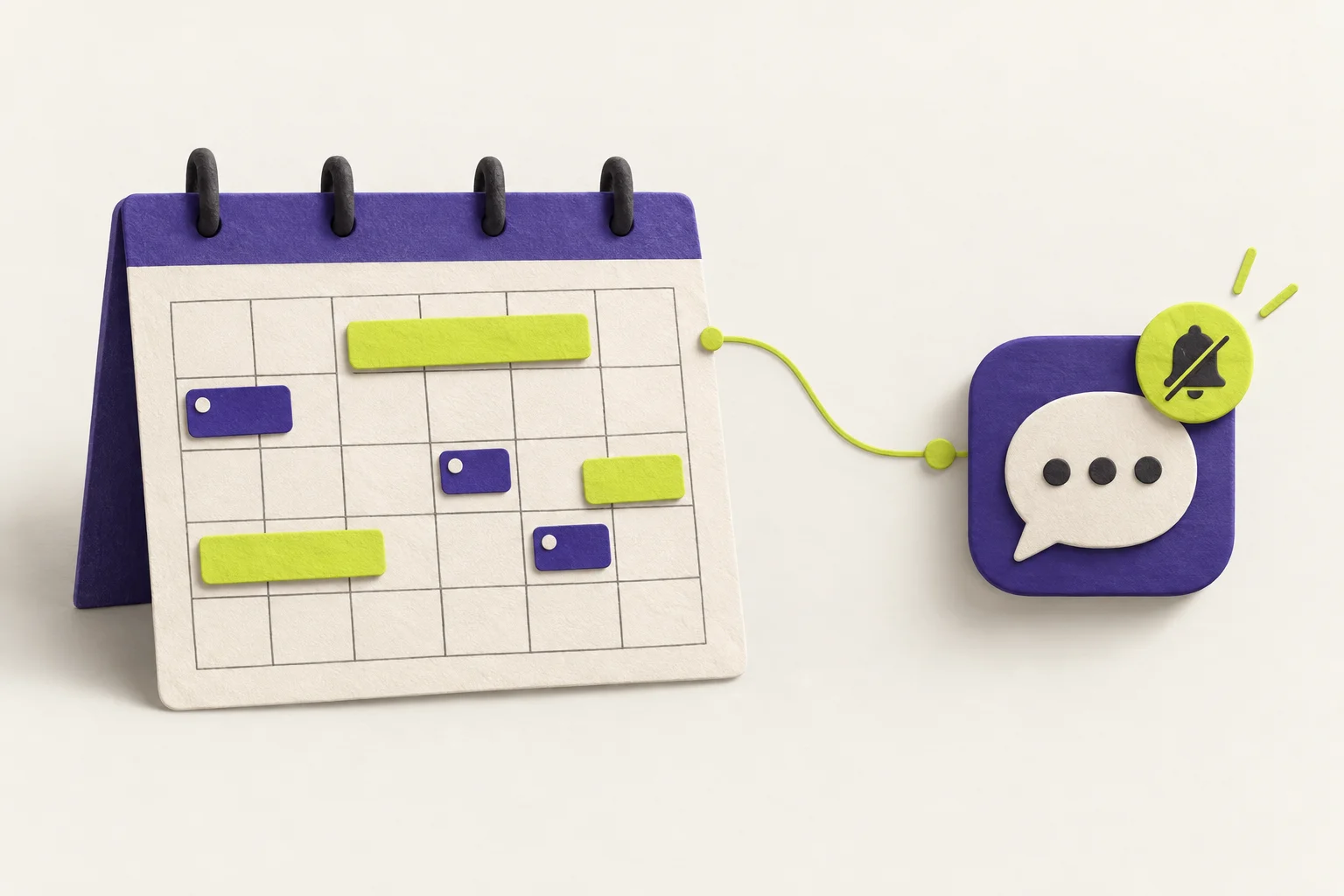

What problem DND actually solves
PM work needs long stretches of attention. Context switching is costly. DND in team chat reduces unsolicited interruptions so you can finish deep tasks. It also sets expectations with others. Good DND protects focus without breaking critical communication.
Teardown: the hidden trade-offs in chat DND
1) Granularity across time, people, and content. A single mute switch is blunt. PMs need temporal control (30 minutes vs until tomorrow), social control (which people or roles can reach you), and content control (only direct mentions or only specific channels). Each axis adds power, but also cognitive load.
2) Defaults carry most users. Most people will not fine-tune. Good defaults cover common focus windows, set clear statuses, and avoid traps like “mute all until further notice.”
3) Social signaling matters as much as blocking. A clear focus status and optional auto-reply lower friction. People see why you did not answer. That reduces follow-ups and repeated pings.
4) Overrides are necessary but risky. Bypass rules, urgent channels, or whitelists keep you reachable for real issues. But each hole increases the chance of a break in focus. Make the risk visible.
5) Persistence, predictability, discoverability. Users must know when DND ends, who can bypass it, and how to change it. Surprises break trust. If people think they are protected and are not, they will stop using DND.
Patterns to copy and patterns to avoid
| Pattern to copy | Why it helps | Pattern to avoid |
|---|---|---|
| Quick presets (e.g., 25–30 min, 1–2 hours, until tomorrow) | Removes decision friction; aligns with common focus blocks | Only a binary mute/unmute |
| Visible end time and countdown | Predictable; prevents accidental all-day silence | Hidden or vague end state |
| Status + optional auto-reply | Sets expectations; reduces duplicate pings | No social signal or context |
| Lightweight whitelist and mention-only overrides | Keeps critical paths open with minimal leaks | Complex rule builders and many edge toggles |
| Calendar-linked focus with clear rules | Hands-free; follows real schedule | Quiet hours that conflict with meetings |
| One-tap snooze from the notification | Rescues focus in the moment | DND buried in settings |
Design steps to build focus-preserving DND
Define the jobs
List the top three focus jobs: quick reset, deep work, and meeting protection. Everything else is optional.
Pick sane presets
Offer 25–30 minutes, 2 hours, and until next workday. Show the end time upfront.
Wire social signals
Set a focus status. Add an optional, short auto-reply. Make both easy to dismiss.
Keep overrides simple
Allow mention-only bypass and a small whitelist. Explain who can reach you, in plain text.
Make it discoverable
Place DND on the header and in the notification tray. Add one-tap snooze on an incoming ping.
Show persistence
Always display the active mode, end time, and any bypasses. Offer extend by +15m and +1h.
Fail loud, not silent
If a rule cannot apply, show a banner and default to a safe state. Log who bypassed and why.
Test social side-effects
Run trials with a squad. Watch for delayed handoffs and frustration. Tune messages, not just mutes.
Set team-wide defaults
Offer org-level presets and quiet hours. Default to mention-only during focus, not full silence.
Common mistakes to avoid
- Burying DND in settings. It must be one tap away.
- Offering too many options. Focus suffers from choice overload.
- Silent failures. Users think DND is on but still get pings.
- Ignoring social effects. Teams get frustrated when critical info is delayed.
Worked example: a 3-tier DND for a PM
This example turns the teardown into a spec. It has three modes that map to real PM workflows. Each mode sets time, social signal, and overrides with clear defaults.
- Trigger: One tap from the header or a notification.
- Duration: 30 minutes. End time shown as a timestamp and a countdown.
- Notifications: Pause everything except direct @mentions.
- Status: Set to “Focusing for 30m.” No auto-reply by default.
- Overrides: Mentions only. No whitelist in this tier.
- Controls: Extend +15m, +30m; end now.
- Trigger: From the DND menu; visible preset.
- Duration: 2 hours. End time shown upfront.
- Notifications: Block all except whitelisted people and direct @mentions.
- Status: “Deep focus until [time].” Auto-reply on first DM: “I’m in deep focus. Ping me if urgent.”
- Overrides: Customizable whitelist (keep it small, e.g., manager, on-call partner). Explain in UI: “These people can reach you.”
- Controls: Extend +30m, +1h; snooze overrides for 10m.
- Trigger: Toggle “Follow my calendar.”
- Duration: Active during meetings and planned focus blocks.
- Notifications: Block non‑calendar pings during events. Allow direct @mentions with a soft badge after the event.
- Status: “In a meeting” or “Scheduled focus” with event end time.
- Overrides: Optional whitelist for urgent roles during meetings.
- Controls: Skip next event protection; pause following for today.
Across all tiers, show a persistent chip with the active mode, end time, and a short line on who can bypass. Log bypass events so the user learns and adjusts safely.
How to ship without adding complexity
Start with the three tiers above. Place DND in the top bar and in the notification tray. Keep the rule set short: mention-only, small whitelist, and calendar follow. Add a clear status and optional auto-reply. Make the end time and bypass list visible. Test with a team and watch both response times and frustration. Tune defaults first. Only add options you can explain in one line.